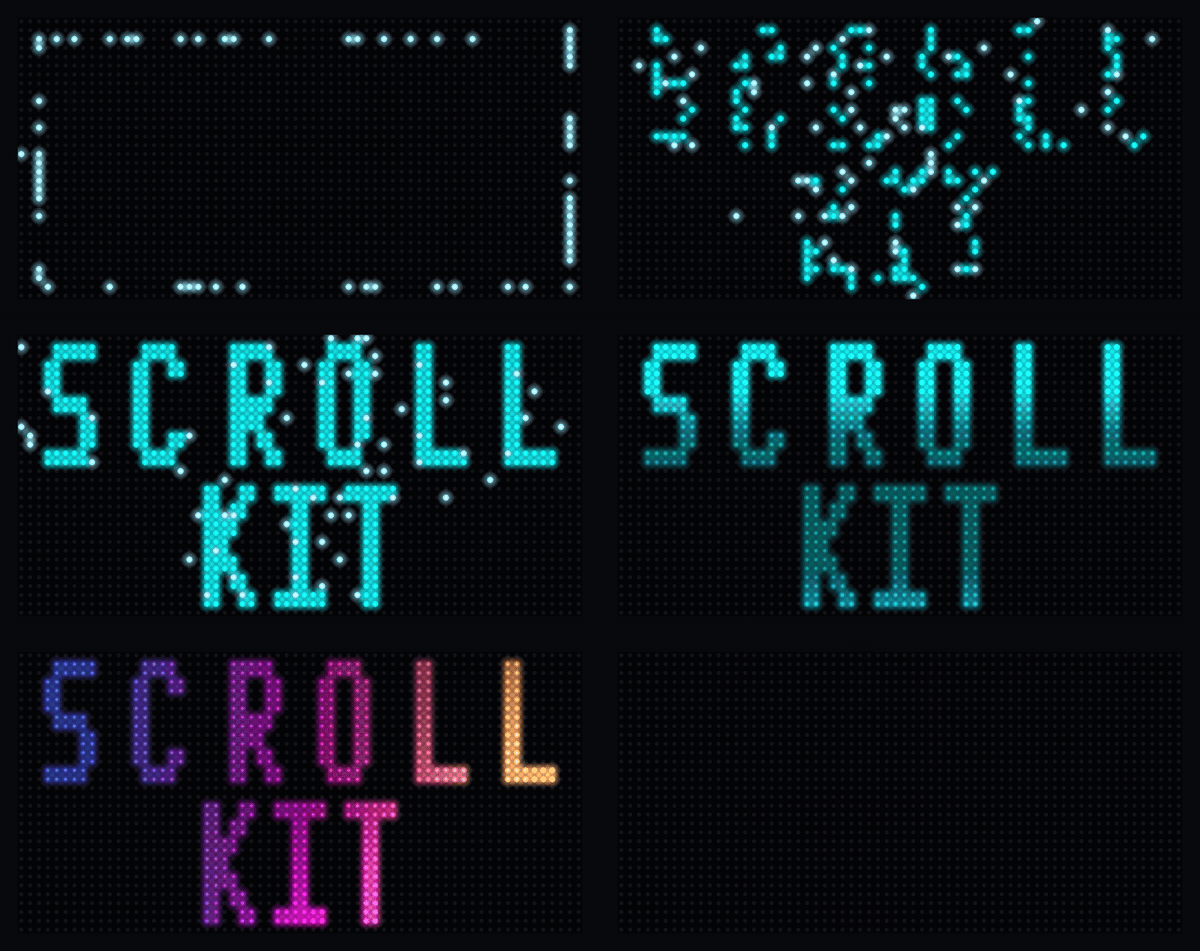
Most LED-matrix libraries get you a scrolling "Hello, World" and stop. I built ScrollKit for what comes next: over-the-air updates to boards in the field, fault-tolerant data refresh, real transitions and effects, and a built-in web server users control from a browser. The hard part isn't any single feature. It's running all of them at once on a microcontroller without the display stuttering. It also runs on a desktop simulator I wrote that exports its own GIFs and videos, like the one below.
Built by Michael Czeiszperger
📖 Full documentation: scrollkit.dev
For a stable desktop install, use the version published on PyPI. A Git tag such
as v0.8.4 is a released PyPI build; master is the development branch and can
contain unreleased work. Pin an exact version in a project that needs reproducible
builds.
# Stable desktop install with simulator support
pip install "scrollkit[simulator]"
# Or pin a tested release: pip install "scrollkit[simulator]==X.Y.Z"

# To contribute, test unreleased work, or run the bundled demos: clone master
# and install it editable.
git clone https://github.com/czei/scrollkit.git
cd scrollkit && pip install -e ".[simulator]"

# CircuitPython — deploy a tested copy (or matching .mpy build) of scrollkit/
# inside your app payload; a device should not track Git master directly.
# Physical setup and deployment: https://scrollkit.dev/guide/device-setup/
The release-* branches and the optional live OTA branch are deployment
channels for application payloads, not alternate pip installation channels.
import asyncio
from scrollkit.app.base import ScrollKitApp
from scrollkit.display.content import ScrollingText
from scrollkit.display.simulator import SimulatorDisplay   # desktop-only import

class HelloWorldApp(ScrollKitApp):
    async def create_display(self):
        # Open the desktop simulator window. On CircuitPython hardware, delete
        # this override (and its import) — the default display drives the panel.
        return SimulatorDisplay(width=64, height=32)

    async def setup(self):
        self.content_queue.add(
            ScrollingText("Hello, LED Matrix!", y=12, color=0x00AAFF))

asyncio.run(HelloWorldApp().run())
The top-level
scrollkitpackage deliberately performs no imports (every import costs RAM on CircuitPython), so you always import from submodules, e.g.from scrollkit.app.base import ScrollKitApp. See the getting-started guide for the fullScrollKitApp/UnifiedDisplayAPI.
Sixty seconds of what the library actually ships — an endless self-scheduling teaser where every act names the effect it's playing: the boid swarm assembles SWARM, a velvet sheen sweeps VELVET, IRIS irises in and out. All 13 transitions, all 13 palette treatments, splashes, scrollers, bitmap-text effects, particles, and two animated characters, mixed by a weighted-age scheduler so it never repeats itself.

Run it yourself with python demos/hard/showcase_reel.py, or browse the
Demo Gallery for the rest.
ScrollKit runs unchanged on the MatrixPortal S3 (CircuitPython) and a desktop
pygame simulator. Your app subclasses ScrollKitApp and talks to one display
abstraction; the library picks a backend at import time and brokers every external
system the sign touches:
flowchart TB
    app["Your app<br/>(subclasses ScrollKitApp)"] --> core["ScrollKitApp · UnifiedDisplay<br/>ContentQueue · effects · config"]
    core -->|CircuitPython| hw["MatrixPortal S3<br/>displayio → RGBMatrix panel"]
    core -->|desktop| sim["pygame simulator"]
    core <-->|HttpClient — synchronous| api(["HTTP data API"])
    core <-->|SettingsWebServer| browser(["Browser config UI"])
    core -->|raw.githubusercontent.com| gh(["GitHub OTA"])
Subsystem dependencies (dashed = lazy import; dev and simulator are
desktop-only, raising ImportError on the device):
flowchart LR
    app["app"] --> display["display"]
    app --> config["config"]
    app -.->|lazy| utils["utils"]
    app -.->|lazy| effects["effects"]
    app -.->|lazy| web["web"]
    effects --> display
    display -.->|desktop| simulator["simulator"]
    config -.->|lazy| utils
    network["network"] --> config
    network --> utils
    ota["ota"] --> exceptions["exceptions"]
    dev["dev"] --> display
    dev --> effects
    dev --> simulator
    classDef desktop stroke-dasharray:6 4;
    class dev,simulator desktop;
See the Architecture guide for the full write-up, including the invariants this graph enforces.
scrollkit/
├── app/               # ScrollKitApp base class, async run loop, memory helpers
├── display/           # UnifiedDisplay (auto-detects hardware vs simulator), content
│   ├── unified.py                # Production display (device + desktop)
│   ├── content.py                # DisplayContent / StaticText / ScrollingText / ContentQueue / Priority
│   ├── bitmap_text.py            # Animated bitmap-font text + palette effects
│   ├── gradient_text.py          # Gradient/multi-color text fill (GradientTextLayer)
│   └── colors.py                 # Continuous 24-bit color generators
├── effects/           # Transition contract (transitions.py) + standalone splash/particle helpers
├── network/           # Networking utilities
│   ├── http_client.py            # Dual-implementation HTTP client (raises NetworkError)
│   ├── wifi_manager.py           # WiFi connection lifecycle
│   └── mdns.py                   # <hostname>.local advertising (CircuitPython; no-op on desktop)
├── config/            # Configuration management
│   └── settings_manager.py       # JSON-based persistent settings
├── ota/               # Over-the-air updates
│   ├── client.py                 # GitHub-release-based OTA client
│   ├── manifest.py               # Update manifest model
│   ├── display_progress.py       # Display-progress adapter over OTAClient
│   └── publish.py                # Host-side release publishing (desktop/CI only)
└── utils/             # Utilities
    ├── error_handler.py          # Logging and error handling
    ├── diagnostics.py            # NVM boot/crash record + reboot-loop safe-mode breaker
    ├── color_utils.py            # Named colors + settings-UI hex-string color table (no conversion helpers; int-based conversions live in display/colors.py)
    ├── system_utils.py           # NTP / HTTP-Date system clock sync
    └── url_utils.py              # URL decoding and credential loading
from scrollkit.display.unified import UnifiedDisplay
from scrollkit.display.content import ContentQueue, ScrollingText

# Create display (auto-detects CircuitPython vs desktop)
display = UnifiedDisplay(width=64, height=32)
display.initialize()

# ScrollKitApp drives this queue's render loop for you (see Quick Start above);
# add() is all a subclass's setup() typically needs to call.
queue = ContentQueue()
queue.add(ScrollingText("Scrolling text", y=12, color=0x00AAFF))from scrollkit.network.http_client import HttpClient
from scrollkit.exceptions import NetworkError
client = HttpClient()
try:
response = await client.get("https://api.example.com/data")
data = response.json()
except NetworkError as e:
print("fetch failed:", e)from scrollkit.config.settings_manager import SettingsManager
settings = SettingsManager("app_settings.json",
defaults={"hostname": "mydevice", "brightness": "0.5"},
bool_keys=["dark_mode"])
settings.set("hostname", "new-name")
settings.save_settings()from scrollkit.utils.error_handler import ErrorHandler
from scrollkit.display.colors import scale
from scrollkit.network.wifi_manager import is_dev_mode
logger = ErrorHandler("app.log")
logger.info("Application started")
color = scale(0xff0000, 0.5) # Dim red to 50%
if is_dev_mode():
print("running on desktop, not CircuitPython")| Platform | Backend | Status |
|---|---|---|
| Adafruit MatrixPortal S3 | CircuitPython + displayio | ✅ Calibrated from device |
| Desktop (macOS/Linux/Windows) | SLDK Simulator | ✅ |
| Custom CircuitPython boards | displayio / rgbmatrix | 🔌 Extensible (see Adding New Hardware) |
I wrote the first two shipping versions by hand in 2024, when all of this was still one application. Splitting it into a library and a separate app layer, then documenting the result, is the kind of project that dies quietly in a spare-time backlog. So I used Claude Code and spec-driven development to handle the refactoring and the first drafts, then went back through all of it in my own voice, with my own screenshots. Yes, AI has touched a lot of this code. It was also directed by an engineer who has shipped production software for a living, including time on one of Sun Microsystems' API teams. Both are true.
ScrollKit's over-the-air update feature was inspired by Ronald Dehuysser's micropython-ota-updater. The current implementation is ScrollKit's own manifest-based design and uses none of his code — but the idea came from his project, and it deserves the shout-out.
MIT