Settings
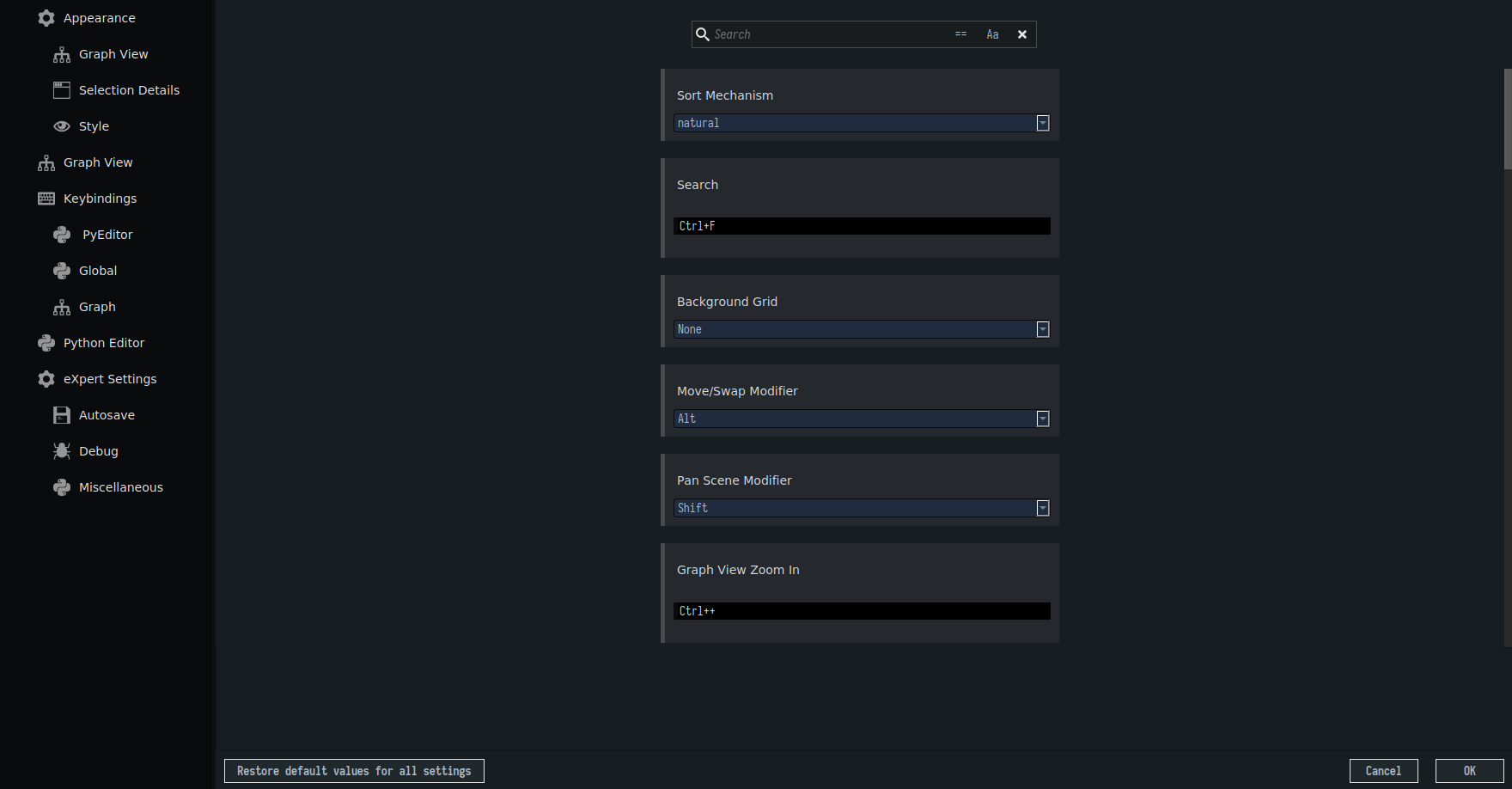
The HAL GUI provides settings which allow the user to, among other things, change the theme, adjust the font size and modify shortcuts. The settings are accessible through the menu bar (Edit > Settings). The settings are categorized on the left side to ease the navigation. The user can restore the settings to default by clicking the button on the lower left. To apply changes made to the settings, click OK in the lower right. Clicking Cancel in the lower right will discard unsaved settings.